
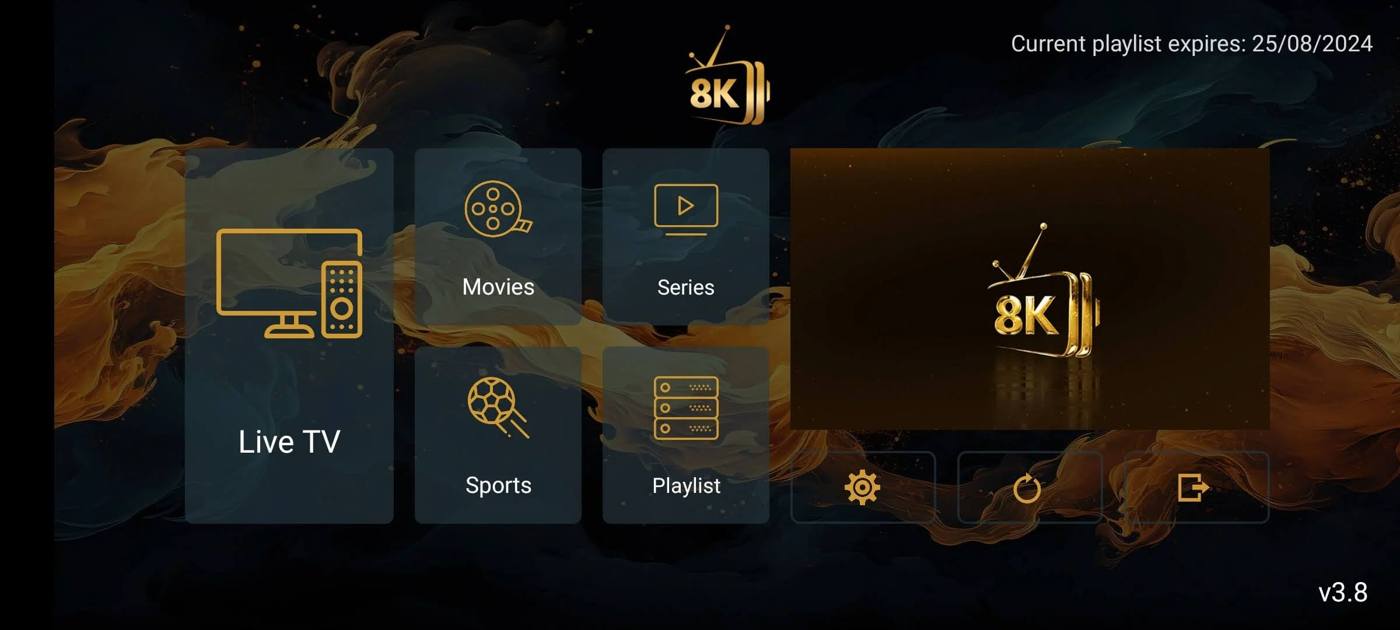
8K Player v3.8
Clean gold interface with Live TV, Movies, Series, Sports and Playlist tiles on the home screen.
Downloader code
 · Live television, on-demand & reseller accessFind your device setup guide
 Compatible player applications
Every app below installs on Firestick and Android TV with a short Downloader code. Smart TV and iPhone versions come straight from your app store.
Already on a Firestick? Open Downloader, then enter:
Your player library
Filter by the device you own. Select a code to copy it.
Clean gold interface with Live TV, Movies, Series, Sports and Playlist tiles on the home screen.
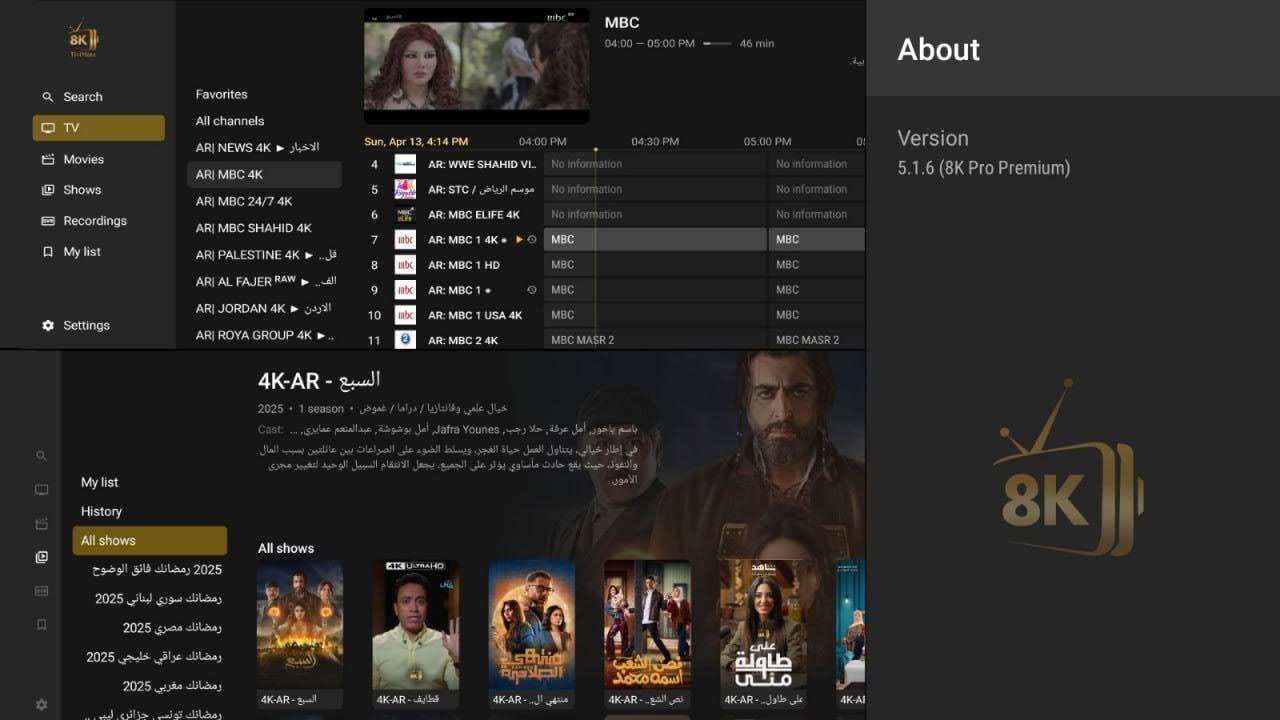
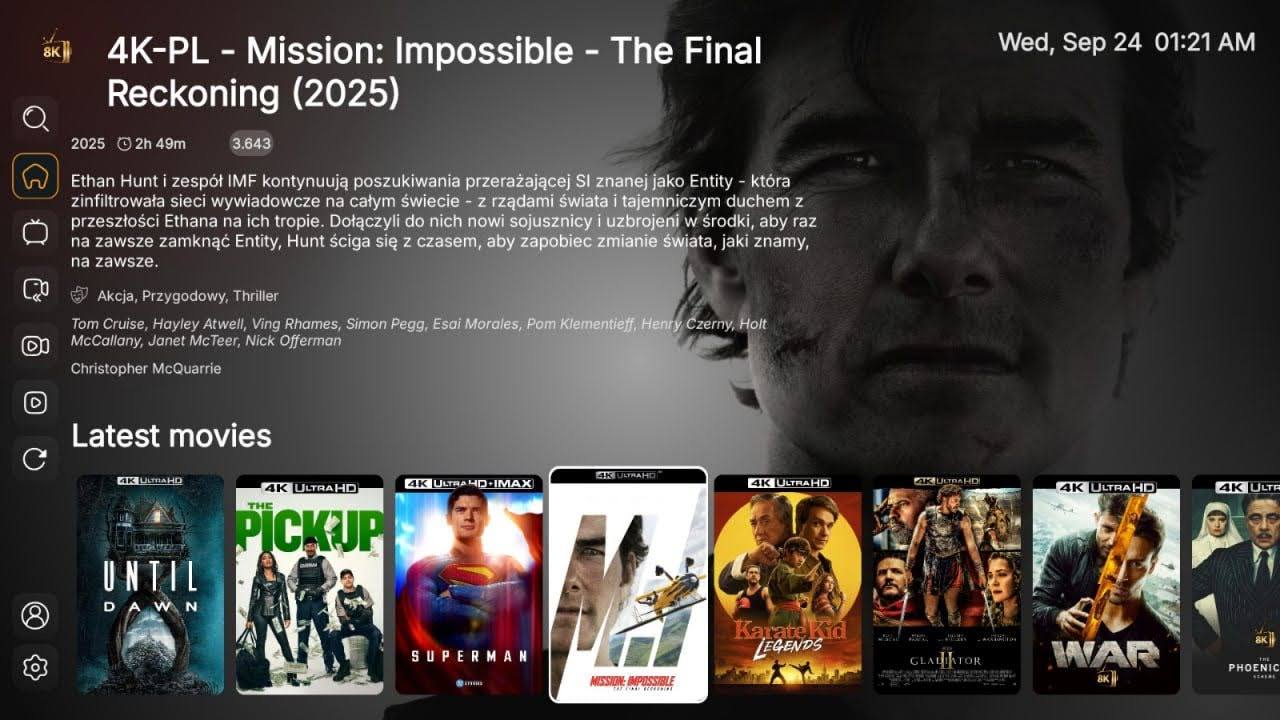
Live TV with a program guide, Movies, Shows, Recordings and My list in one sidebar. Supports Arabic and other languages.
Home screen with a Latest movies row, full descriptions, cast and genres, plus search, TV, recordings and reload in the side menu.
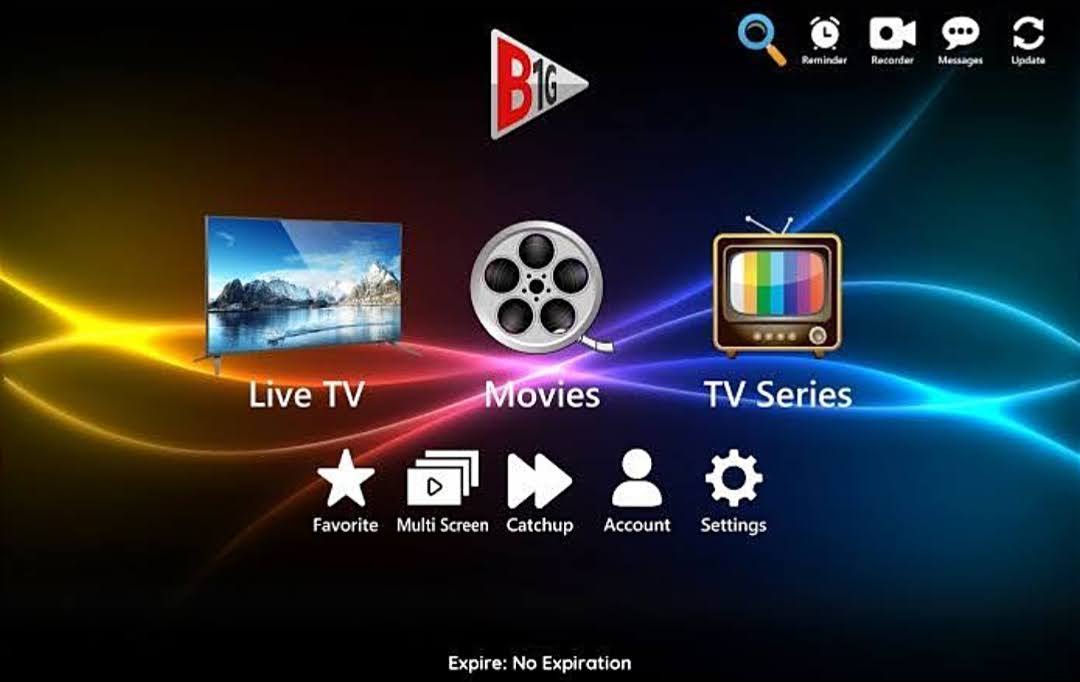
Live TV, Movies and TV Series, plus Favorite, Multi Screen, Catchup, reminders and a recorder.
For Android TV, FireStick, and Smart TV users.
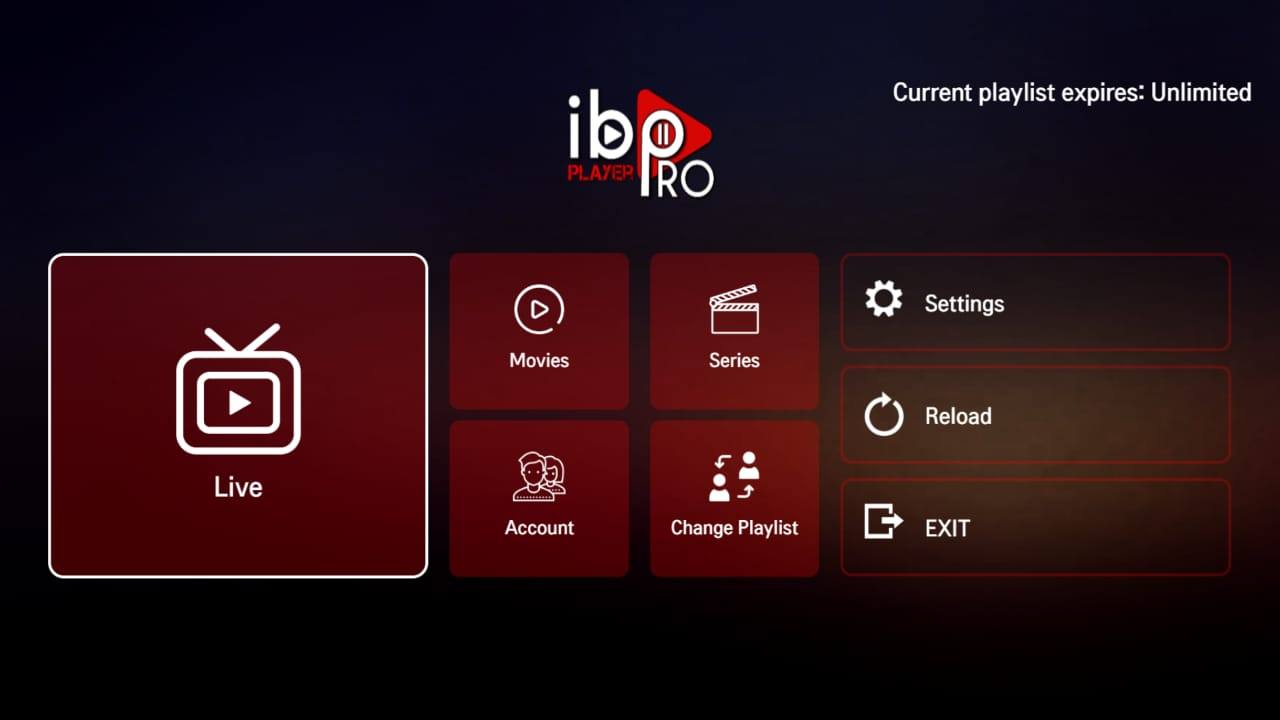
Live, Movies and Series tiles with Account, Change Playlist, Settings and Reload. Shows your playlist expiry on the home screen.
After installation, send us your MAC.
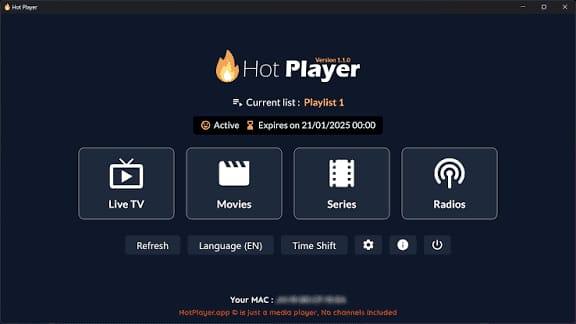
Live TV, Movies, Series and Radios with Time Shift and multi-language support. Install only this version for the smoothest results.
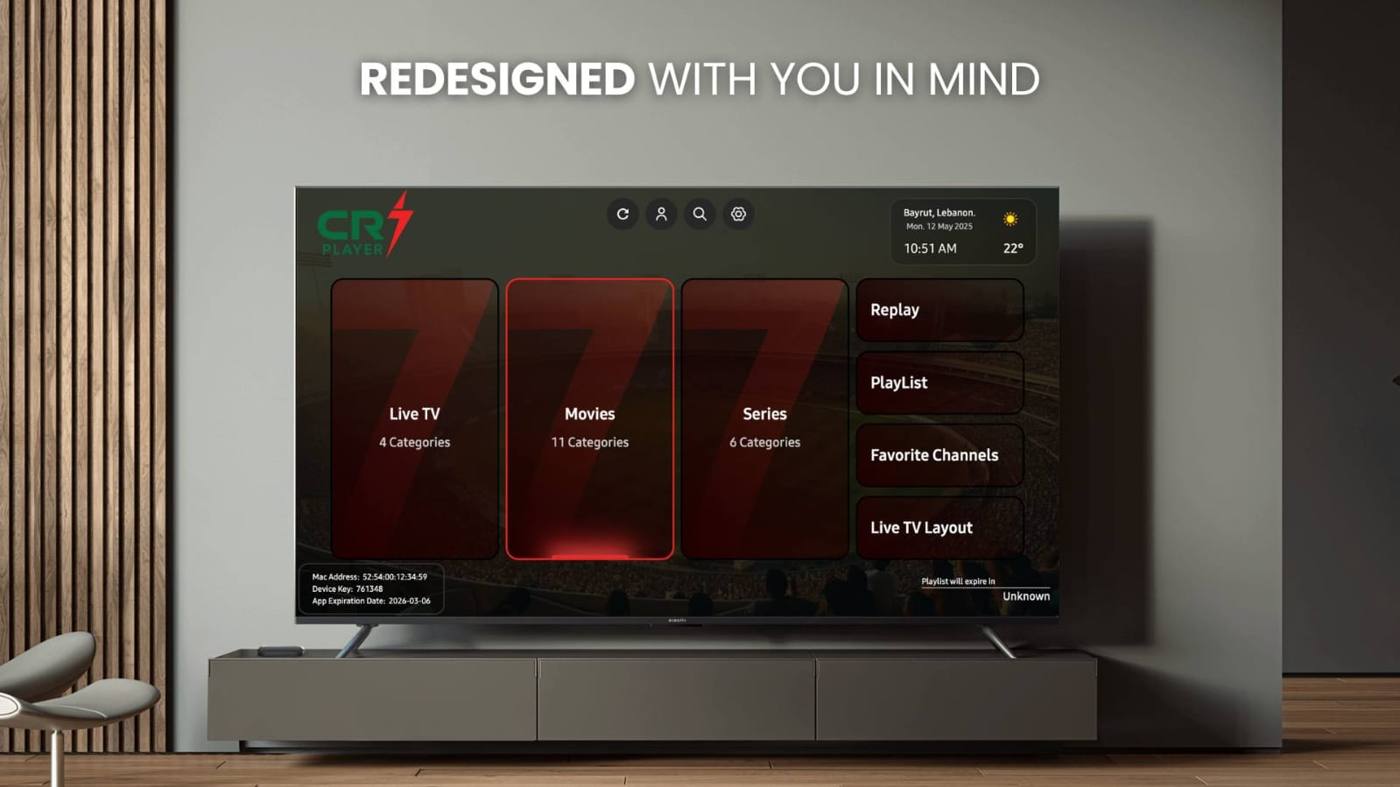
A modern, redesigned OTT player with Live TV, Movies, Series, Replay, Favorite Channels and a Live TV layout option.
7-day free trial. Available on LG and Samsung Smart TVs.
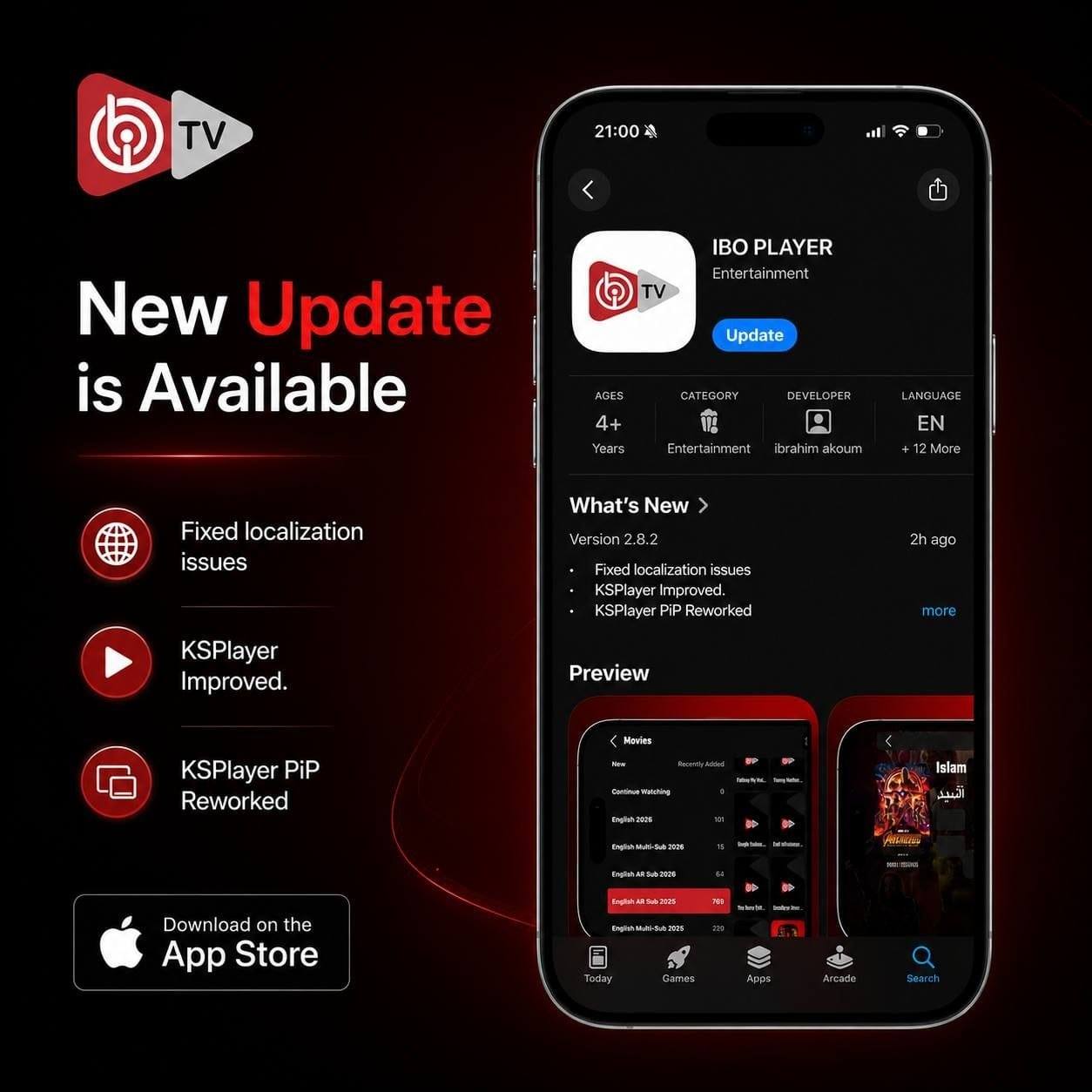
Improved playback and Picture-in-Picture mode for Apple devices.
Get it on the App Store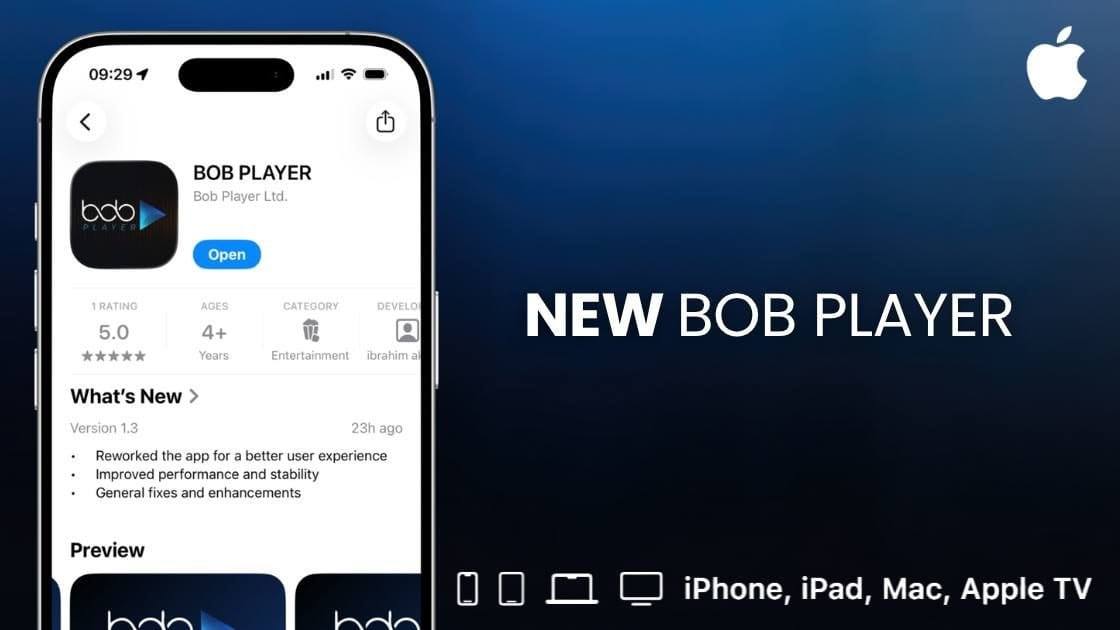
Refreshed interface, faster startup and improved responsiveness for iPhone, iPad, Mac and Apple TV.
Get it on the App Store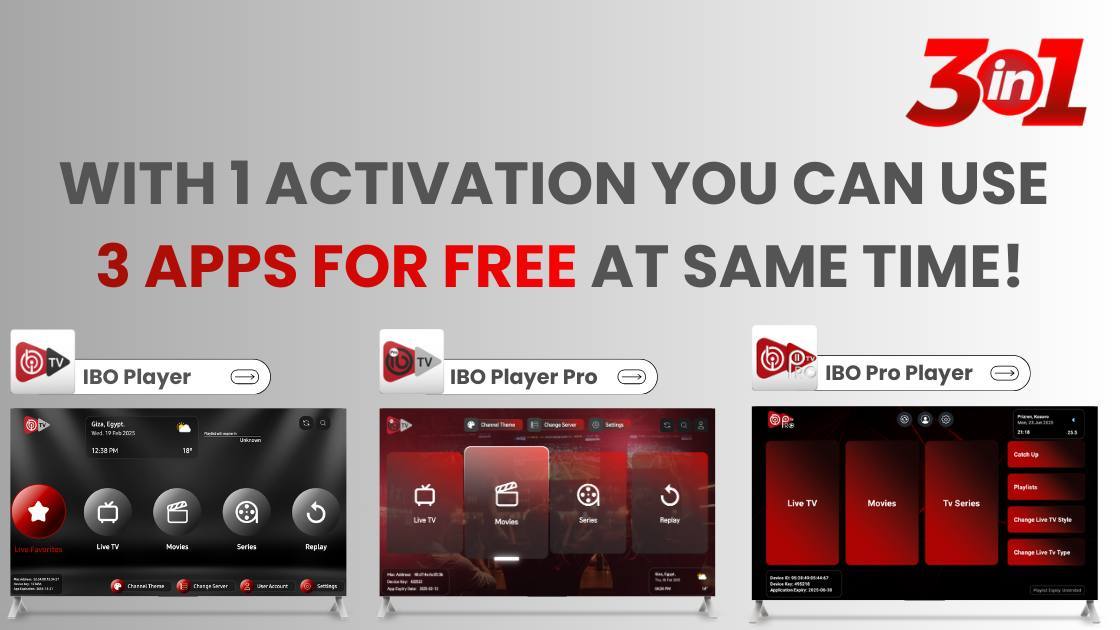
Use 3 IBO apps at the same time with just 1 activation — completely FREE. IBO Player, IBO Player Pro and IBO Pro Player all work with the same activation on LG and Samsung Smart TVs only.
See the codes and APK links below.
Special offer
IBO Player, IBO Player Pro and IBO Pro Player all work with the same activation on LG and Samsung TVs only.
The newest IBO Player Pro release for Android TV and Firestick.
IBO Pro for Android TV and Firestick. Only with activation codes.
Only with Activation Codes.
The default IBO Player, latest update. Also suitable for activation codes.
Also suitable for Activation Codes.
Four simple steps
Search for Downloader by AFTVnews in your TV's app store and open it.
Type the code for your chosen app into the URL box and press Go.
Let the download finish, choose Install, then open the app.
The app shows a MAC address and device key. Send them to us so we can activate your playlist.
One family, every screen
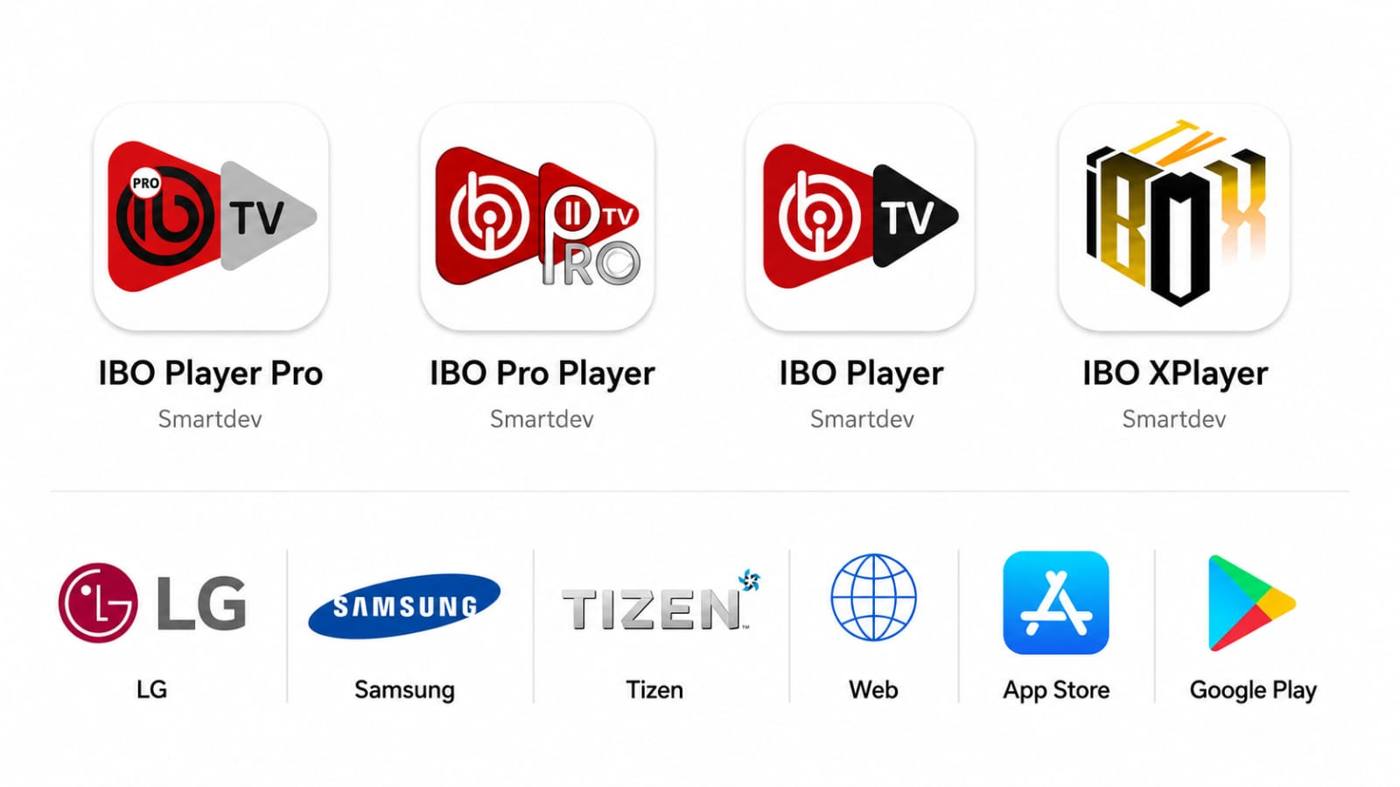
IBO Player, IBO Player Pro, IBO Pro Player and IBO XPlayer are all made by Smartdev.
Ready for activation
Once the app is open, send us the MAC address it displays and we will take it from there.
Contact us These are media players only. No channels or content are included in any application.